What it watches
It handles most things quietly. You only hear from it when you should know something, and the message says in plain words what happened.
- Dangerous sites and ads
- Blocked for every device in your home, including TVs, phones and guests' devices. Nothing to install on them.
- Ads: quietDangerous sites: message
- New devices
- When something unknown joins your network, you learn when, and which brand it is.
- Message
- Fake routers
- If something on the network pretends to be your router or hands out fake settings, your devices can be sent to fake sites. It spots that.
- Urgent message
- Changes to your router
- If someone changes where your router looks up websites, you hear about it straight away.
- Urgent message
- Newly opened ports
- Every night it checks whether any of your devices has opened a new port, a door into the device.
- Message
- The box itself
- If the box stops, you get a message within about fifteen minutes.
- Message
Getting started
Plug it into your router
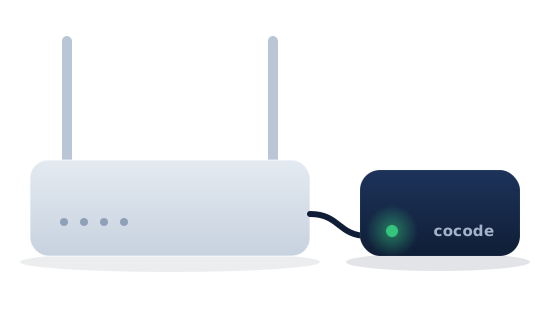
Connect the box to your router with the cable in the box, and plug in the power.
Change one setting
In your router's app, tell the router to ask the box. The guide shows where, and I help if your router is a different one.
Let it learn your home
For the first day the box gets to know your devices. After that it only writes when something is new or wrong.
In the box
- Raspberry Pi 4 in a case, set up and ready
- Power supply and network cable
- Step-by-step guide for your router
- A one-page fix for when the internet at home stops
Questions
Can you see what I do online?
No. The box works in your home and does not send your history to me. Lookups go on, encrypted, to Quad9 or Cloudflare, and messages go straight from the box to your Telegram.
What happens if the box stops?
You get a message within about fifteen minutes. While it is stopped, your devices cannot find websites, so the box comes with a one-page fix that takes a minute: you tell the router to manage on its own again.
Does it work with my router?
Your router has to let you choose which DNS server it uses, and most do. Tell me which router you have and I will answer before you buy.
Do I need Telegram?
Yes. Messages arrive in Telegram, a free app for phone and computer. They are in English, in plain words.
Does it replace antivirus and updates?
No. It stops a lot before it reaches your devices, but keep your phone, computer and router up to date.